

 ARTS & SCIENCES COMPUTING
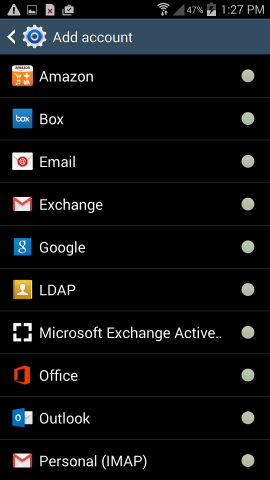
To configure your Google@SAS account on your Andriod device first go to Settings > Accounts > Add Account.
(The Android setup screens may look different on your device)
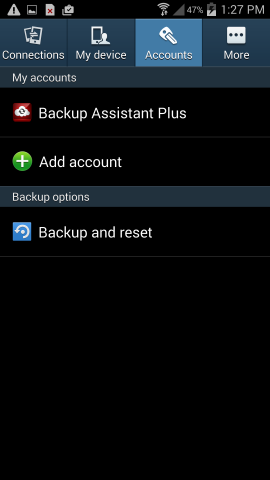
Select Email from the list of options:
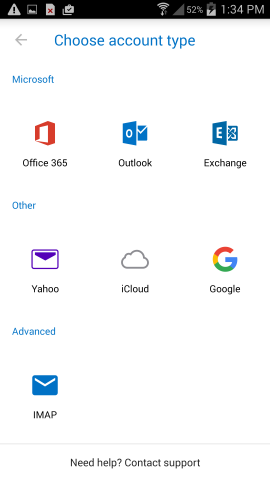
For account type select Google:
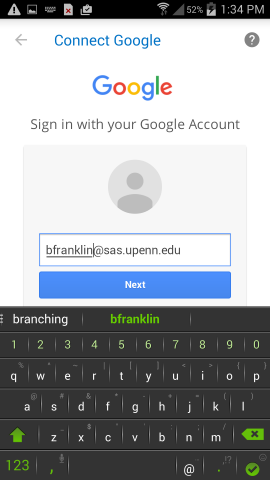
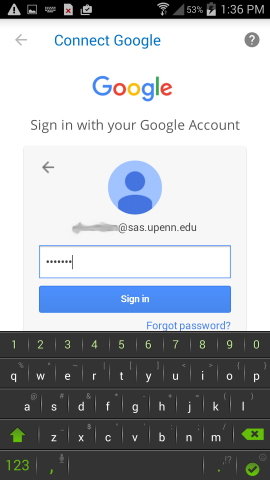
Enter your full SAS email address, , as your username and click Next:
Enter your Google@SAS password and click Next:
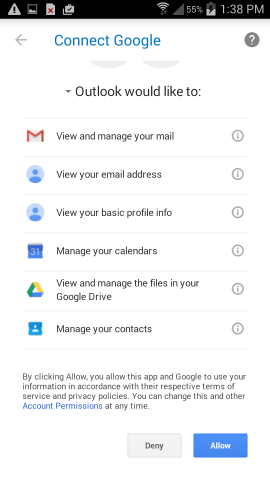
On this screen click Allow to allow the device to configure the account:
Your Google@SAS account is now configured on the device. If you find that you are still having trouble:
Faculty and staff can contact their Local Support Provider here.
Students can fill out the help form found here.