

 ARTS & SCIENCES COMPUTING
What is Auto-Delete?
The Auto-Delete function in L-Soft automatically removes invalid subscriber addresses when delivery errors occur. This helps reduce bounce handling, saves server resources, and prevents spam classification due to high bounce rates.
Steps to Configure Auto-Delete
1. Log In
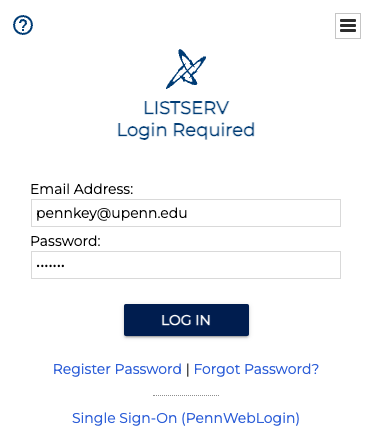
- Go to lists.upenn.edu
- Click Login (top-right) and sign in with your PennKey credentials.
2. Open List Configuration
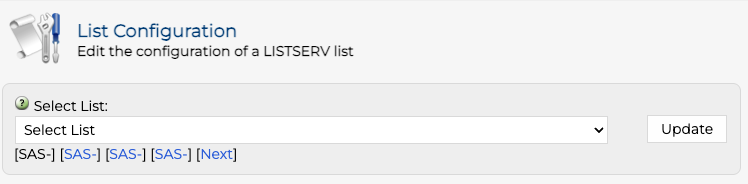
- Click List Management in the main navigation.
- Select List Configuration.
- Use the Select List drop-down menu to find and select the list to configure.
3. Add Auto-Delete function
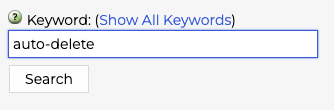
- Use the Keyword search box to find the
Auto-Deletefield.
- Enter each field to match this syntax: Auto-Delete= Yes,Full-Auto,Delay(2),Max(1)
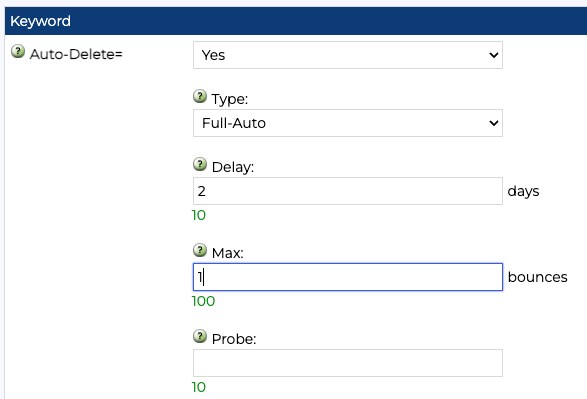
- Click Update to apply changes.